
Is ChatGPT Down Today? What We Know So Far (September 3, 2026)
Thursday morning turned into a rough one for ChatGPT users. Reports of the chatbot freezing up, refusing to…
Read Article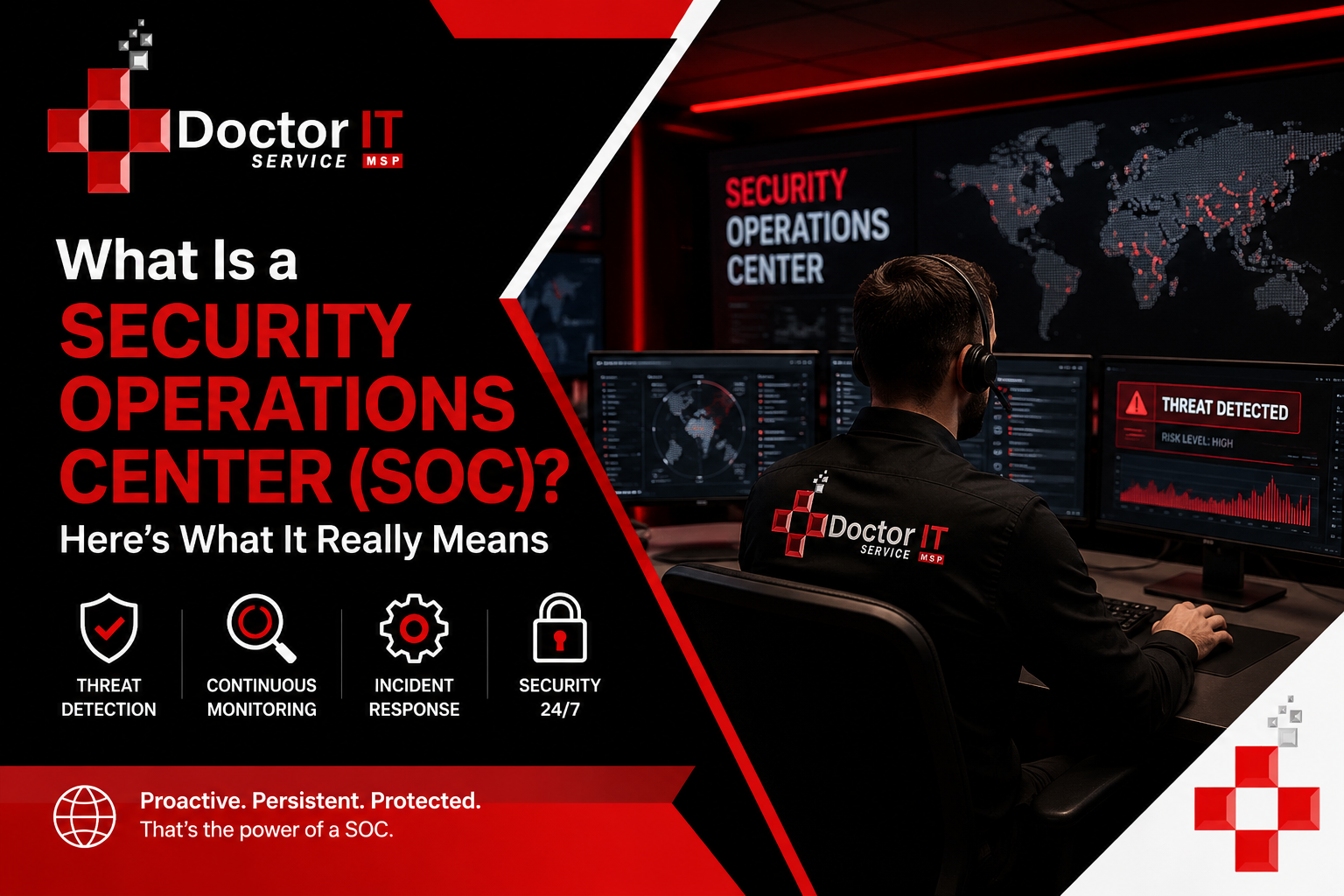
Most cyberattacks don’t hit at 9 am on a Tuesday. They hit at 2 am. On a Sunday. During the one stretch of the week nobody’s watching the dashboard.
That’s basically the entire reason a security operations center exists in the first place.
If you’re after the security operations center definition without the fluff, it’s a dedicated team whose job is to watch systems, catch weird activity, and jump on it before it turns into something worse. Not flashy work. But somebody has to do it.
Let’s walk through what that actually looks like day to day, not just the textbook version.
Ask five different IT people for the SOC meaning in cyber security and you’ll probably get five slightly different answers. Some will talk tools. Some will talk people. Neither answer is wrong, honestly.
A SOC really comes down to three things, working together: people who know what a real threat looks like versus noise. Processes that spell out what to do next, so nobody’s improvising during a crisis. And technology that gives the team eyes on the network in the first place.
NIST’s Cybersecurity Framework leans heavily on continuous monitoring as a baseline expectation for any serious security program. A SOC is that idea, just put into practice every single day.
Everything starts with visibility — servers, laptops, cloud accounts, network traffic. All of it, watched constantly, not just checked once a week. No visibility means no detection. Simple as that.
Here’s something most people outside IT don’t realize. Most alerts aren’t actual threats. A single SOC can rack up thousands of alerts in one day, and the overwhelming majority end up being nothing at all. The real skill isn’t collecting alerts. Any tool can do that. It’s knowing, fast, which ones actually matter. That comes from experience, not software.
Once something’s confirmed as a real threat, the clock starts. Isolating a machine. Killing a compromised login. Blocking a suspicious IP before it does more damage. Wait too long here, and a small incident turns into a very expensive one.
After things calm down, a decent SOC documents everything — what happened, what triggered it, what worked, what didn’t. That feedback loop makes the next response faster. Skip this step, and you’re doomed to relearn the same lesson the hard way. More than once, usually.
People often picture a SOC as some quiet room full of monitors, nothing much happening. That’s not really how it goes.
On a typical day, the team’s checking network security monitoring dashboards, chasing down odd login attempts, reviewing endpoint detection and response (EDR) alerts that flagged something unusual, pulling in cybersecurity threat intelligence to spot patterns tied to known attacker groups, and handling real-time security alerts as they roll in, one after another, sometimes faster than anyone would like.
It’s a constant stream of judgment calls, often with half the picture missing. That’s exactly why experienced analysts are worth so much. They’ve seen enough false alarms, and enough real breaches, to spot the difference in seconds, not hours.
Cyber threats used to feel like something only large companies had to worry about. That’s not true anymore, not even close.
Smaller businesses get targeted constantly now, partly because attackers know their defenses tend to be weaker. Ransomware. Phishing. Simple insider mistakes. These show up over and over in breach reports from groups like CISA and IBM.
Here’s the part that’s genuinely uncomfortable: most breaches aren’t caught by the company that got hit. They’re discovered by someone else entirely, sometimes months down the line. A SOC exists to shrink that window before it turns into a very bad headline.
This mix-up happens all the time. SOC, NOC, they sound almost identical. They’re not solving the same problem, though.
| Aspect | SOC | NOC |
|---|---|---|
| Focus | Security threats, cyberattacks | Network uptime and speed |
| Main goal | Catch and respond to breaches | Keep systems running smoothly |
| What gets tracked | Time to detect, time to respond | Downtime, latency, bandwidth |
| Typical tools | SIEM, EDR, threat intelligence | Network performance monitors |
A network can be running perfectly fine while someone’s quietly sitting inside it, pulling data out. That’s the blind spot a NOC alone won’t catch. Understanding SOC vs NOC differences isn’t just academic — it actually changes what a business is protected against.
Endpoint detection and response (EDR) watches laptops, servers, and phones for anything that looks off. If malware tries to run, EDR often stops it before it spreads to other machines.
Network security monitoring tracks traffic patterns across the whole organization. A sudden, huge data transfer heading somewhere unfamiliar? Worth a second look, every time.
Cybersecurity threat intelligence keeps SOC teams from working in a bubble. Research published by companies like Microsoft and Cisco gets pulled in and used to sharpen detection rules before new attack methods spread.
Real-time security alerts are the whole point of speed. The faster an alert gets reviewed, the less damage a threat can cause. That said, alert fatigue is a real problem across this industry — too many alerts, not enough hours to review them all.
A solid incident response process usually goes something like this:
Preparation first — tools and playbooks ready before anything actually happens.
Detection — spotting that something’s wrong in the first place.
Containment — stopping the spread.
Eradication — removing whatever caused it.
Recovery — getting systems back to normal safely.
Lessons learned — so the mistake doesn’t repeat itself down the road.
NIST’s incident handling guidance lays out something very similar. It gives teams a process to follow instead of scrambling every single time something new pops up.
None of this comes from carelessness, really. It comes from security not getting dedicated attention, because most internal IT teams are already stretched thin handling everything else.
It catches threats early, often before real damage happens. Without one, incidents can go unnoticed for weeks, sometimes longer.
They monitor alerts, dig into anything suspicious, and help contain confirmed threats. They also document everything afterward so future response gets faster.
Usually a mix — SIEM platforms, EDR software, firewalls, threat intelligence feeds. Rarely just one tool handling it all.
A SIEM is the tool collecting and correlating data. A SOC is the team actually using that tool to catch and respond to real threats.
Many do, yes. Attackers often go after smaller companies precisely because defenses tend to be weaker there. The right scale really depends on the business and its specific risk level.
It varies quite a bit — company size, industry, and how much needs monitoring all play into it. Pricing usually scales with the number of devices, users, and data sources involved.
You get trained analysts and mature processes without building all of it in-house from scratch. Usually that means faster detection and a quicker response when something goes wrong.
Look at their track record first. Ask how they’ve handled real incidents, not hypothetical ones on a sales slide. Transparency in reporting matters more than a polished pitch.
A security operations center plays a central role in defending against today’s cyber threats. From constant monitoring to a clear incident response process, SOC services help catch problems before they turn into full-blown cyberattacks.
Cybersecurity isn’t something you set up once and forget about. It takes ongoing attention, the right people, and tools that actually get used, not just installed and ignored.
If you need this service or want to learn more about it with an expert, contact Doctor IT Services today.
Discover our most recent insights and updates from the world of IT
Thursday morning turned into a rough one for ChatGPT users. Reports of the chatbot freezing up, refusing to…
Read Article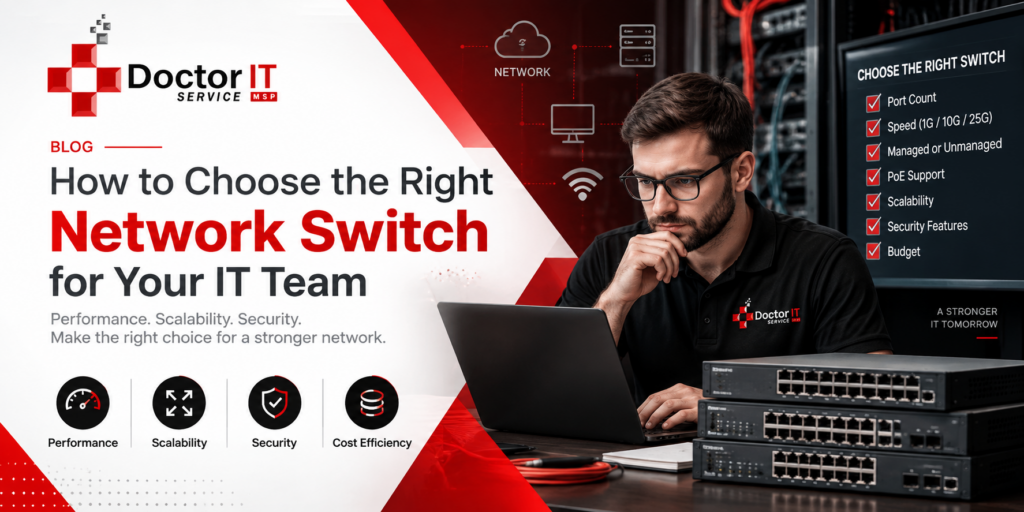
Every office runs on connections. Computers, printers, phones, cameras — they all need a way to talk. That…
Read Article
Ask any IT manager what wrecks their afternoon, and "tickets" comes up almost every time. Requests land from…
Read Article