
Is ChatGPT Down Today? What We Know So Far (September 3, 2026)
Thursday morning turned into a rough one for ChatGPT users. Reports of the chatbot freezing up, refusing to…
Read Article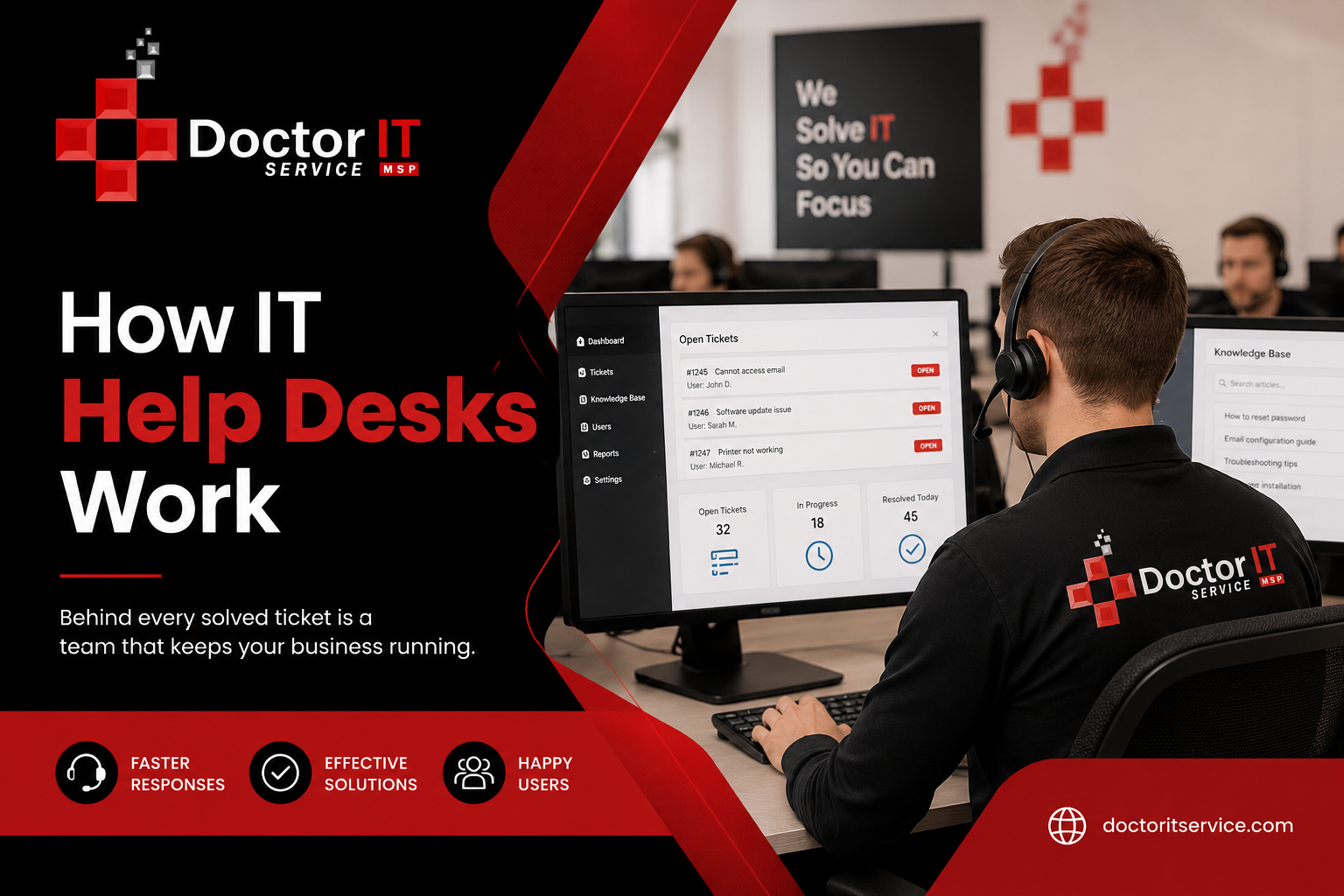
If your email has ever stopped syncing, or your laptop just refused to talk to the printer, and you had to call your office IT team about it, you’ve already dealt with an IT help desk. Most business owners never really stop to think about what happens after that call though. What is happening on the other side of the phone line? Once you get a feel for how a help desk actually works, it gets a lot easier to make good decisions about the support your business depends on.
At Doctor IT Service, we’ve spent years building help desk systems that businesses genuinely don’t dread using. This guide walks through how a modern IT help desk actually operates, from the second an issue gets reported to the moment it gets fixed.
An IT help desk is basically the middle point between a business and its tech support team. Picture it as the front door to your company’s IT department. Employees walk through that door with issues, requests, questions — and whatever technicians on the other side keeps things on pace.
Skip a proper help desk, and small technical hiccups can snowball fast. One unanswered email issue turns into a missed client deadline. A slow network can affect the productive hours of a whole team, and nobody even notices until the deadline comes on head. Businesses that put money into a solid help desk have to deal with fewer disruptions, get faster fixes, and end up with employees who can actually get their work done instead of wrestling with a computer all day.
So how does this actually play out day to day? At a high level it’s a pretty consistent pattern, doesn’t really matter how big or small the business is.
An employee hits a snag — could be a locked account, could be the whole system going down. They report it, usually by phone, email, or through a support portal. That report turns into a ticket, which is just a digital record holding all the details of what’s wrong.
From there it sits in a queue for a bit, gets reviewed, sorted, and handed off to a technician based on how urgent it is. The technician digs in, checks in with the employee if needed, and works on getting it fixed. Once it’s done, the ticket closes and gets logged so there’s a record of it later.
In bigger companies this whole loop can happen hundreds of times in a single day. That’s really why a well-organized system matters so much — it’s not optional once you’re dealing with that kind of volume.
The ticketing system is really the backbone here. It’s what tracks every issue from the second it’s reported to the moment it’s closed.
Once a ticket gets created, here’s what happens to it:
Ticket creation comes first. Someone logs the issue with the employee’s name, department, a description of what’s wrong, and when it happened.
Then it gets categorized — sorted into issue buckets like hardware, software, network, or security.
After that it’s prioritized. Depending on how bad and big the issue is, it gets marked low, medium, high, or critical.
Next it’s assigned to whichever technician or team is best at handling that kind of problem.
Then comes resolution — the technician works through it, trying things until the issue is actually fixed.
And finally closure and follow-up. The ticket gets closed, and often there’s a quick check-in message to make sure the employee is actually satisfied with it.
A decent ticketing system also keeps a history of the issues that happened before — this helps technicians notice patterns and stop the same issue before it pops up again.
Not every ticket gets solved by the one who picks it up first. That’s where support tiers come into play.
Tier 1 is the first line. These are the technicians handling the everyday tasks — password resets, software installs, basic connectivity issues. Most tickets never need to go further than this.
Tier 2 steps in when something needs more technical depth — things like network configuration problems or trickier software issues. These technicians usually have more experience and access to systems Tier 1 doesn’t touch.
Tier 3 is for the tough tasks. Specialized problems that need senior engineers, sometimes even the original software vendor gets pulled in. When it comes to recurring server failures or a security breach, this kind of thing needs real expertise to be resolved.
If a ticket cannot be resolved at one level, it moves to the next. That escalation process makes sure that the problem reaches someone who can actually resolve it, rather than remaining with a technician who lacks the expertise.
Not every ticket carries the same weight. Incident management is what help desks lean on for the bigger, business-impacting problems — a server crash, an outage nobody saw coming, that sort of thing.
It usually moves through detection, logging, categorization, diagnosis, resolution, and closure. The whole point is getting things back to normal fast while keeping the damage to a minimum. Unlike routine requests, incidents tend to need immediate attention, and clear communication with everyone who’s affected by it.
At Doctor IT Service we treat every incident like it actually matters, because a network outage during business hours is never just a minor annoyance. It’s lost revenue. It’s missed deadlines. It’s clients who are now frustrated with you.
Service requests aren’t the same thing as incidents. These are the planned, non-urgent tasks — setting up a new employee’s laptop, requesting software access, resetting a password.
Handling these usually follows a simpler process than incident management, though it still needs to be tracked properly. A well-run help desk keeps templates for the common requests, which speeds things along and cuts down on mistakes. Automation helps a lot here too, since something like a password reset can often get handled without a technician ever getting involved.
How do you know if a help desk is doing its job well? That comes down to a handful of metrics.
First response time matters — how fast does someone even acknowledge the ticket exists? Resolution time matters too — how long until the issue is actually fixed? Then there’s first contact resolution rate — basically what percentage of issues get solved without needing to bump it up to someone else. Customer satisfaction score tells you how employees actually felt about the support they got. And ticket volume trends can flag whether some issue keeps popping up often enough that there’s probably a bigger problem underneath it.
Keeping an eye on these numbers helps a help desk keep improving over time, and it gives business owners a real sense of what they’re actually getting from their IT provider.
A service level agreement, or SLA, is basically a formal promise between an IT provider and its clients about how fast and how thoroughly support gets delivered. It usually spells out response times and availability hours depending on how urgent the issue is.
A critical outage, for example, might come with a guaranteed response under fifteen minutes, while something low priority might just get a same-day window instead. That kind of clarity gives businesses peace of mind, since they know what to expect going in, and it keeps the provider accountable too.
Our SLAs at Doctor IT Service are built around what businesses actually need, not vague marketing promises. We back them up with support that’s fast and easy to measure.
Contemporary help desks depend on automation and rigorous oversight today. Rather than remaining idle and hoping for an issue to arise, monitoring tools continuously observe systems, servers, and networks. This allows technicians to detect and resolve issues before anyone becomes aware of them.
Automation speeds up a lot of the routine work too. Password resets, software installs — things like that can often trigger by themselves. Chatbots and self-service tools also let employees fix simple problems themselves, which helps in cutting down so much time.
Technology aside, the real test of a good help desk is honestly just what it feels like to deal with. A good customer support experience means employees feel heard, issues get fixed without a ton of back and forth, and communication stays clear the whole way through.
That’s the whole idea behind how we built Doctor IT Service. Our technicians aren’t just trained to fix the technical problem — they’re trained to explain what actually happened in plain language, so business owners and their teams always know what’s going on with their own systems.
There’s no shortage of IT support companies out there, so what actually makes us different?
Doctor IT Service works with a wide range of industries, including law firms where confidentiality isn’t negotiable, manufacturing businesses that need production systems running around the clock, schools and education admin teams that need reliable networks, construction companies managing remote job sites, and marketing agencies that live and die by fast, uninterrupted access to client files.
Whatever industry you’re in, our help desk team is here to face the specific challenges you’re dealing with, and builds support around what you actually need.
Doctor IT Service proudly serves businesses across our local region and the surrounding communities. If your business is nearby, our technicians can usually be on site the same day for urgent issues, along with fast remote support for everyday needs.
An IT help desk works as the central hub for reporting and resolving technical issues. Employees submit tickets and technicians review and prioritize them.
It logs the issue, categorizes and prioritizes it, hands it off to the right technician, resolves the problem, then follows up to make sure the employee is actually satisfied.
It starts with a reported issue, moves through diagnosis and troubleshooting, and wraps up with documentation for future reference.
They are mostly based on priority. Critical issues that affect the whole business get jumped on right away, while routine requests get worked through in order.
Technicians track down the root cause, apply a fix, test it out, and confirm with the employee that everything’s actually working before closing the ticket.
Usually ticketing software, remote monitoring systems, automation platforms, and communication tools that let technicians collaborate and respond fast.
If Tier 1 can’t diagnose it, it goes to Tier 2. If it’s still too complex, it moves up to Tier 3, where senior engineers handle the toughest problems.
It keeps downtime low, protects productivity, and gives employees somewhere reliable to turn when tech gets in the way of their work.
Depends on the provider honestly, but at Doctor IT Service we pride ourselves on responding to urgent requests in under sixty seconds.
Understanding how IT help desks actually work is the first step toward picking the right support partner for your business. If you’re done with slow response times, confusing communication, or support that just doesn’t feel right, Doctor IT Service is ready to help. Contact us today for a free consultation, or check out our IT support services to see how we can keep your business running without interruption.
Discover our most recent insights and updates from the world of IT
Thursday morning turned into a rough one for ChatGPT users. Reports of the chatbot freezing up, refusing to…
Read Article
Every office runs on connections. Computers, printers, phones, cameras — they all need a way to talk. That…
Read Article
Ask any IT manager what wrecks their afternoon, and "tickets" comes up almost every time. Requests land from…
Read Article