

Critical PHP Flaws Force Sites Offline: What Business Owners Should Do Now
Governments pulled sites offline over two critical PHP flaws. Learn if you’re at risk and how to fix…
Read Article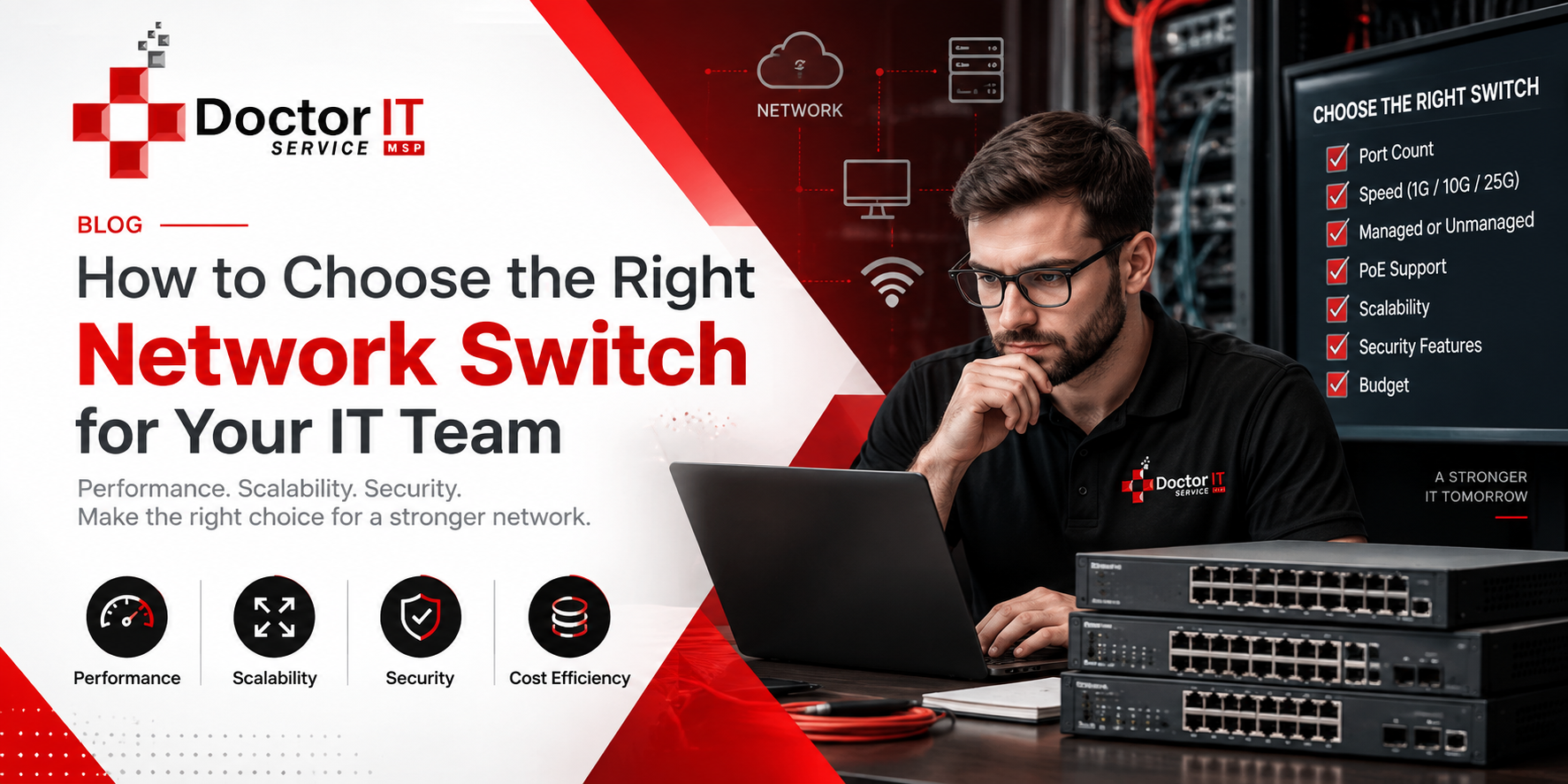
Every office runs on connections. Computers, printers, phones, cameras — they all need a way to talk. That job falls on one small box: the network switch.
Most people never think about it. Not until something breaks. Files stop loading. Calls drop mid-sentence. Then suddenly everyone notices.
Picking the right switch early saves you from a lot of this. Here’s what actually matters when you’re shopping for one.
A switch sits at the center of your office network. Weak hardware here creates problems everywhere else — not just in one spot.
Slow switches mean slow transfers. A file that should take five seconds takes fifty instead. Multiply that across twenty people, and you’ve lost real hours.
There’s a security angle too, one people often miss. Switches decide which devices can talk to which. Get this wrong, and you’ve left a door open without knowing it.
Picture a normal Tuesday. Everyone’s logged in. Someone’s on a video call. Another person is pulling a large file from the server at the same time.
A cheap switch buckles under that load. A properly sized one barely notices.
Switches generally fall into three groups. Knowing the difference keeps you from buying the wrong one.
These are about as simple as it gets. Plug it in, and it works. No settings, no login screen.
Fine for a home office or a tiny startup. But you get no visibility into what’s happening. If something goes wrong, you won’t see it coming.
This is where real control lives. You can see every device connected. You can set rules, isolate traffic, shut down odd activity fast.
They cost more, sure. But for any business handling client data, it’s usually worth it.
Think of these as a middle ground. Some monitoring, some control — just not the full feature set of a managed switch.
They suit growing teams that aren’t quite ready for enterprise-level gear.
A price tag doesn’t tell you much on its own. A few practical checks will point you toward the right pick.
Start with a headcount. How many devices need a wired connection right now?
Then think ahead a little. New hires, new printers, maybe a security camera down the road.
Keep an eye on:
Buy too small, and you’re shopping again in six months. Buy too big, and you’ve wasted money now.
Most offices do fine on Gigabit Ethernet. It handles email, browsing, and normal file sharing without any trouble.
Design studios or video teams, though, often need 10 Gigabit ports. Moving large files daily changes the math completely.
Some switches push electrical power through the same cable that carries data. That’s PoE, in short.
It matters most if you’re running IP cameras, wireless access points, or desk phones. One cable does two jobs, so there’s no separate outlet needed for every device.
Not everyone needs it. But if cameras or VoIP phones are on the horizon, it’s worth the extra cost.
Your switch is often the first checkpoint on the network. Treat it that way, not as an afterthought.
Look for:
Skimp here, and it usually costs more down the line — right after something’s already gone wrong.
Your team today won’t be your team in two years. A switch built for stacking lets you add capacity without tearing out the whole system later.
Downtime gets expensive fast, even just an hour of it. Switches with dual power supplies and failover support keep running through small outages.
It’s a minor feature. But it pays for itself the first time the power flickers.
Not every business needs the same setup. Size changes what makes sense here.
A staff of five to fifteen usually does fine with a smart or unmanaged switch. Keep it simple:
Once you’re managing client data or running several departments, a managed switch earns its price. Focus on:
Bigger teams need bigger thinking. Prioritize:
Switch prices swing wildly — anywhere from under a hundred dollars to several thousand. Set a number before you start browsing, or you’ll overspend on features you don’t need.
Factor in:
A bargain switch that fails within a year isn’t actually cheap. Look at the full cost, not just the sticker price.
A handful of errors show up again and again when businesses shop for switches.
Walk the office. Count what needs a wired connection now, and soon.
Basic connectivity, or full control? This shapes everything that follows.
Know your ceiling before comparing models side by side.
Decide what protections matter most for your data and your clients.
Pick something that won’t need replacing the moment you hire again.
Try it with one team before rolling it out company-wide.
Buying the right hardware is only step one. A little upkeep goes a long way after that.
Neglected hardware tends to fail faster, and opens more security gaps than most people expect.
Choosing a network switch isn’t just a technical decision. It shapes how your whole team works, day in and day out.
Think through your team size, your growth plans, and how much security you actually need. Get those three right, and the rest tends to fall into place on its own.
If you’d rather have someone walk through this with you, you can contact Doctor IT Services for guidance on picking and setting up the right switch for your team.
It connects devices inside your office so they can share data quickly and safely.
A switch connects devices within one network. A router connects separate networks to one another.
Count your current devices, then add a few extras for growth. That total is your starting point.
Not always. Plenty of small teams start with something simpler and upgrade later, once they grow.
It sends power and data through one cable. Useful for cameras and desk phones, since it cuts down on wiring.
Most run fine for five to seven years. Replace one sooner if you notice speed drops or frequent disconnects.
Discover our most recent insights and updates from the world of IT
Governments pulled sites offline over two critical PHP flaws. Learn if you’re at risk and how to fix…
Read Article
Learn how to link your RMM and PSA ticketing systems step by step. Cut response times and keep…
Read Article
Comparing the leading Microsoft 365 backup tools for 2026. See features and best-fit use cases before picking one…
Read Article