

Critical PHP Flaws Force Sites Offline: What Business Owners Should Do Now
Governments pulled sites offline over two critical PHP flaws. Learn if you’re at risk and how to fix…
Read Article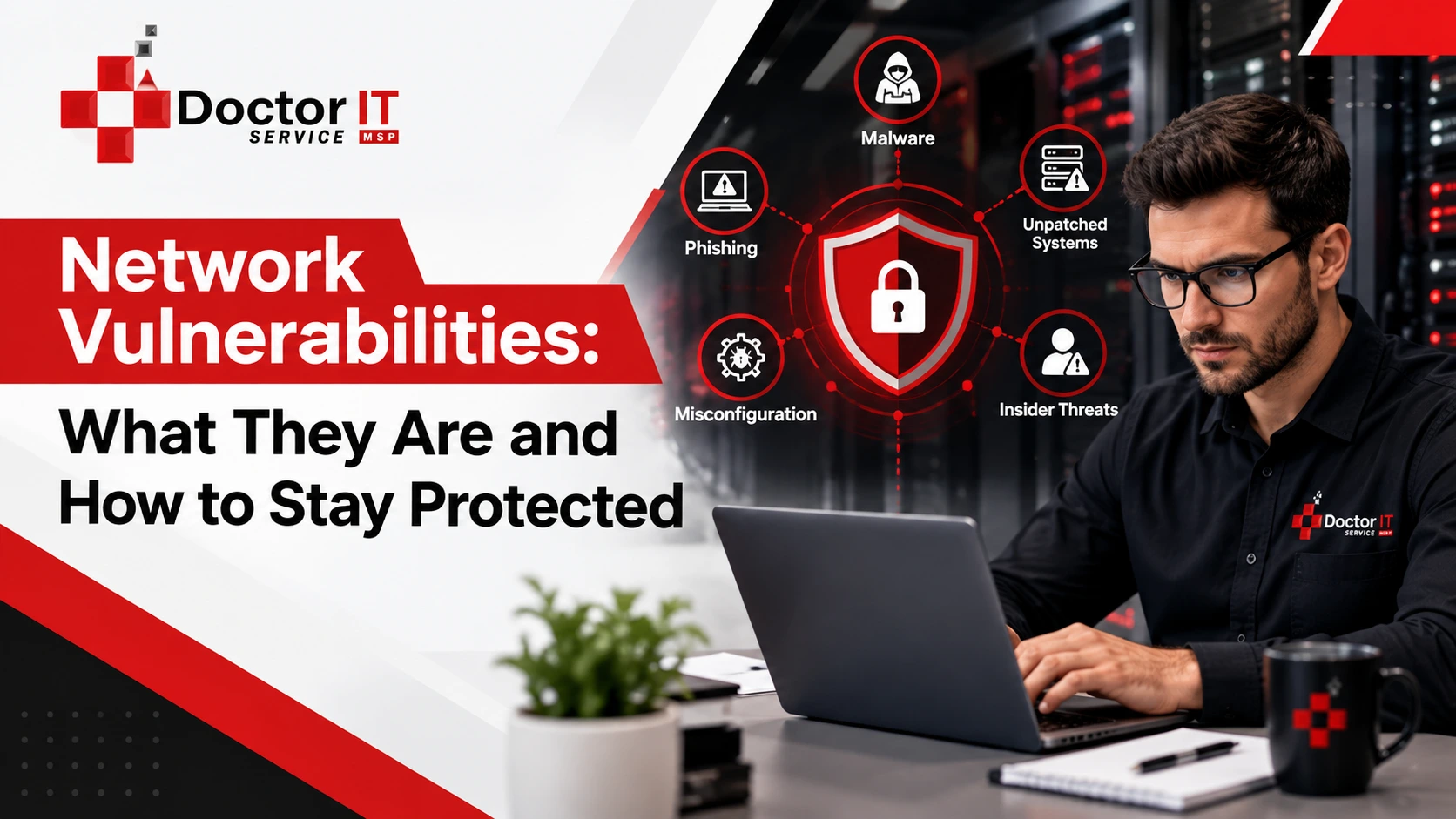
Most business owners think their network is fine. No complaints. No obvious problems. Everything seems to be ticking along.
Then something goes wrong.
A network vulnerability is basically a crack in your setup. Could be in your software. Could be in a device. Could honestly be the bloke in accounting who uses his dog's name as his password. These cracks are what attackers look for. They are not always obvious. That is the whole problem.
And here is what catches people off guard. You do not have to be a big company to have weak spots. Every business running a network has them. The question is whether you know about them before someone else does.
There is a very persistent belief that hackers only bother with large targets. Big banks. Global brands. Tech companies with millions of users.
That is not how it works in practice.
Smaller businesses get hit regularly. Some would say they get hit more often because they tend to have fewer controls in place and nobody dedicated to watching for trouble. Attackers know this. It is not personal. It is just easier.
Network security vulnerabilities can create real, lasting damage:
Some businesses recover. Some do not. The ones that struggle most are usually the ones who thought it would never happen to them.
Not all network vulnerabilities look the same. Some are buried in code. Some are sitting right there in your settings. Some walk into your office every morning and make a cup of tea.
Every piece of software has bugs. Some of those bugs are security flaws. Developers find them and release patches. But patching takes effort, and a lot of businesses just put it off.
That delay is dangerous. Once a flaw is publicly known, attackers move fast. They build tools to exploit it. Any system still running the old version becomes a sitting target.
What you can actually do about it:
Routers, switches, firewalls. They all run firmware. Think of firmware as the brain of the device. When that brain is old and nobody has updated it, things go wrong.
Older hardware sometimes has known flaws that the manufacturer stopped bothering to fix. At that point, the device itself is a liability.
What helps:
This is the big one. Nobody likes admitting it, but people cause a massive chunk of security incidents.
Not through bad intentions, usually. Someone gets a convincing email. Clicks the link. Types in their login details. Done. The attacker is in. That is social engineering. No hacking required. Just a bit of convincing.
You cannot fix human nature entirely, but you can reduce the risk:
This comes up constantly in real incidents and it barely gets talked about. A system gets installed. Default settings stay in place. Remote access gets left on. Admin passwords never change. Nobody goes back to check.
Months later, someone finds the open door.
What to do:
Weak passwords are still one of the most common cyber security vulnerabilities. Still. In this day and age.
Automated tools exist that can try millions of password combinations in the time it takes you to make a coffee. If your password is short, obvious, or reused across accounts, it is not going to hold.
Fixes that actually work:
Some weak spots appear in business after business. Worth knowing them specifically.
A flaw gets discovered. A patch gets released. The business does not apply it for three months. Attackers, meanwhile, have been targeting that flaw since day one.
This is one of the most avoidable problems in network security. And one of the most common.
An open or badly configured wireless network is an easy way for someone to intercept traffic. This includes your internal office network, not just public hotspots. If the Wi-Fi setup has never been reviewed, it probably needs to be.
A network with no monitoring is like a shop with no security camera. If something happens, you will not know until long after the fact.
Attackers sometimes sit inside a network for weeks. Reading emails. Watching systems. Gathering data. If no one is monitoring, no one notices.
Broad access is convenient. It is also risky. If every staff member can reach every system and one of their accounts gets compromised, the attacker has broad access too. Tighten it up. People should only reach what their job genuinely requires.
These are not theoretical. These types of attacks in network security happen to real businesses constantly.
An email arrives. Looks completely normal. Might appear to be from your bank or a supplier. Asks you to click something or log in somewhere.
Phishing does not rely on technical skill. It relies on people acting quickly without checking first. One clicks from one person is enough.
Someone positions themselves between two devices that are communicating. They read the data going back and forth. Sometimes they tamper with it. Neither side has any idea.
Unsecured networks are where these happen most.
Your files get encrypted. A message tells you to pay up if you want them back. Your business cannot function until something happens.
Paying does not guarantee anything. Recovery takes a long time. This type of attack has put businesses under completely.
Traffic gets blasted at your network until your systems cannot keep up. Everything slows or stops. Staff cannot work. Customers cannot reach you. Nothing moves until the attack stops.
An attacker types harmful code into an input box on your website or application. If the system is not set up properly to handle this, that code runs. They get into your database. They can take what they want.
A flaw nobody knows about yet. Not your IT team. Not the software developer. Just the attacker who found it.
No patch exists. No alert has gone out. The only real defense is having someone actively watching your network for anything unusual.
Think about the data sitting on your systems right now. Customer names and contact details. Payment records. Staff files. Contracts. Internal emails.
Information security vulnerabilities put all of that at risk. When data gets exposed, the problems pile up fast:
Protecting data means securing everything it touches. The devices it sits on. The networks it moves through. The people who handle it.
Things worth doing now:
Not everything comes from outside. Staff who are unhappy, careless, or just having a bad day can create serious problems. These threats are harder to catch because the person already has access and looks like any other user.
The classic image of a hacker. Criminal groups, individuals looking for easy targets, occasionally state-backed actors going after specific industries. Most external attackers are not glamorous. They are running scripts and looking for whoever left a door open.
Organized, targeted, patient. These attackers have a specific goal and the skill to pursue it. They take their time. That makes them more dangerous and harder to get rid of once they are in.
No particular target in mind. Just scanning for anything that looks weak. If your system shows vulnerabilities, it gets flagged. Then it gets attacked. Simple as that.
None of this is rocket science. What is hard is doing it consistently.
Patches, firmware, operating systems. When an update comes out, apply it. Do not sit on it for months.
Review permissions. Most businesses hand out more access than necessary. Cut it back.
Not a one-time thing. Threats shift. Training needs to shift with them. Even a short refresher every few months makes a difference.
Set up monitoring. Know what normal looks like so you can spot when something is off.
Regularly. Keep those backups somewhere separate. Check occasionally that they actually restore correctly, because finding out they do not work during a crisis is the worst possible time to discover it.
Some things need expert eyes. There is nothing wrong with admitting that.
But most of what makes a network vulnerable is fixable. Update your systems. Watch what is happening on your network. Train your staff. Control who has access to what. Back your data up. Do these things consistently and you are already in much better shape than a lot of businesses out there.
If you want to get a clearer picture of where your business stands, or need hands-on help securing your network properly, get in touch with Doctor IT Services. Over 20+ years in the industry, a 60-second response time, and pricing that does not assume you have an enterprise budget. Worth a call.
It is a weakness somewhere in your system. Hardware, software, settings, or human behavior. Attackers look for these weaknesses and use them to get in without permission. Some sit undetected for months.
Unpatched software, weak or reused passwords, misconfigured systems, and unsecured wireless networks are the repeat offenders. Human error runs through almost all of them in some way.
A vulnerability is the weak point. A threat is what exploits it. Closing vulnerabilities is how you reduce how much damage threats can actually do.
Without question. Small businesses are targeted frequently. Fewer controls, less monitoring, smaller IT teams. That combination is attractive to attackers looking for the path of least resistance.
Yearly at the bare minimum. Every quarter is more realistic given how fast things change. Your network is not static. Neither are the threats against it.
Disconnect the affected systems from the network immediately. Call in professional help straight away. Write down everything you know about what happened and when. Then notify whoever needs to know, whether that is affected customers, your regulator, or the police, depending on your situation.
Network vulnerabilities are not going to stop being a problem. The threats are real, they are ongoing, and they catch businesses off guard every single day.
Discover our most recent insights and updates from the world of IT
Governments pulled sites offline over two critical PHP flaws. Learn if you’re at risk and how to fix…
Read Article
Learn how to link your RMM and PSA ticketing systems step by step. Cut response times and keep…
Read Article
Comparing the leading Microsoft 365 backup tools for 2026. See features and best-fit use cases before picking one…
Read Article