

Critical PHP Flaws Force Sites Offline: What Business Owners Should Do Now
Governments pulled sites offline over two critical PHP flaws. Learn if you’re at risk and how to fix…
Read Article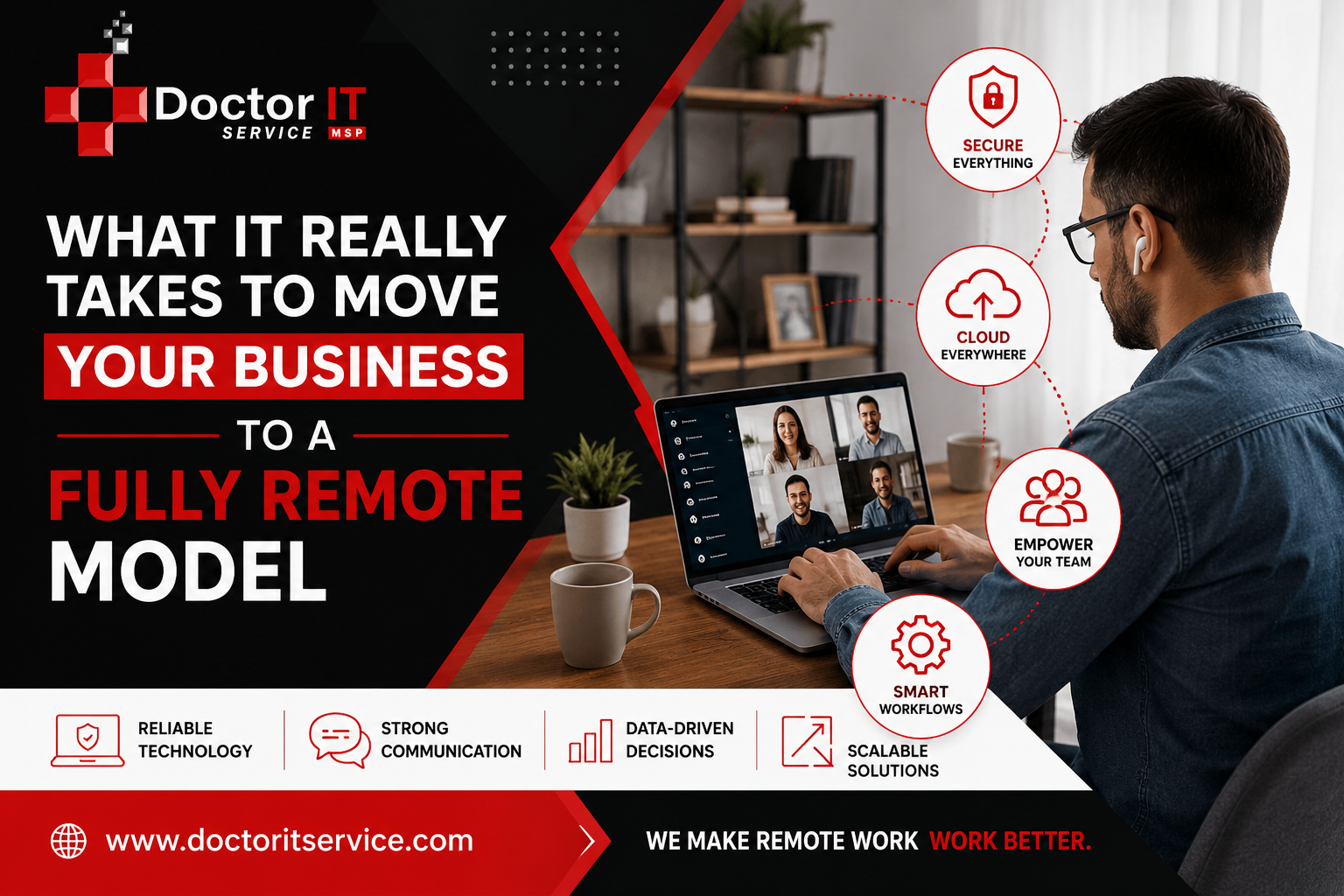
Meta Title: What It Really Takes to Move Your Business to a Fully Remote Model | Doctor IT Services
Meta Description: Going remote sounds easy until you try it. Here’s what actually changes, from support to hardware, when a business drops its office for good.
People treat “going remote” like flipping a switch. Close the office, send everyone home, and that’s it.
It never works that way.
A remote setup only holds together if the systems behind it are built for it. Support, hardware, communication, security. All of it has to change at once, not one piece at a time.
This post walks through what that actually looks like. Not theory. The real work.
Rent isn’t cheap. Some businesses hand over thousands a month for a space that sits half-empty most days.
Employees notice too. Given the choice, most would rather work from home, or from wherever they happen to be that week.
For a small team, an office can start to feel pointless. If the work already happens on a laptop, why keep paying for a room to hold it in?
But closing the office is the easy part. What happens after is where most businesses get stuck.
In an office, tech support barely takes thought. Something breaks, you call downstairs, someone shows up.
Take the office away, and that whole system falls apart. No desk to knock on. No server room to walk into. Nobody to physically hand a broken laptop to.
So, support has to change shape. Waiting around for something to fail stops being an option. Problems need catching before they turn into downtime.
Good remote support finds problems quietly, often before anyone notices something’s wrong.
A few things make that possible:
Skip any of this, and small issues snowball. With no office, there’s nobody around to catch them early.
Giving people laptops is step one. It’s not the finish line, not even close.
A lot of businesses still keep a physical server humming away in a closet somewhere. That doesn’t hold up once the team scatters across different cities.
Cloud systems work better here. Employees can grab files and run software from anywhere with a decent connection. Once that move happens, plenty of businesses find they don’t need a VPN at all anymore.
Employees should be working from roughly matching equipment. That usually means:
When setups match, support moves faster. Technicians already know what they’re dealing with before they even start.
Laptops age. Three years is a fair line before performance starts dragging.
Instead of replacing everything in one expensive batch, spread it out. New laptops every six months keeps costs from spiking all at once.
It also means nobody’s stuck fighting a machine that should’ve retired months ago.
Nobody’s asking employees to become IT pros. But knowing a few basics saves everyone time.
Before opening a ticket, it helps to try:
These three steps solve more than people expect. And it frees up the IT team for problems that actually need real expertise.
In an office, information moves without effort. Someone mentions something in the hallway. A quick question gets answered walking past a desk.
None of that exists remotely. If communication isn’t planned, it just doesn’t happen.
An IT provider shouldn’t only surface when something breaks. Regular contact matters, even when nothing’s wrong.
Monthly meetings make sense early, while everything’s still settling into place. Once things stabilize, every couple of months usually does the job.
And these meetings shouldn’t just cover tickets. They should touch on what’s coming next, budgets, and where the business is headed.
A business owner shouldn’t have to ask what’s going on with their own systems.
A dashboard showing open tickets, warranty status, and license details makes a real difference. It builds trust over time. It also catches odd activity fast, like a login from a place it has no business being.
Here’s something that surprises a lot of owners: going remote often costs more in IT, not less.
More devices need watching. More systems need protecting. There’s no office network anymore to quietly absorb the slack.
That’s normal. But it should never feel like a mystery.
Ask for every line item explained. If something doesn’t add up, ask again. A provider worth sticking with will walk through it plainly, without making anyone feel silly for asking.
Once people leave the office, the network perimeter basically vanishes. Employees log in from home Wi-Fi, hotel rooms, coffee shops, wherever.
That spreads risk in ways an office setup never had to deal with.
A solid remote security plan usually covers:
This isn’t a box to check once. It needs attention as the team grows and tools change.
Not every IT company knows how to support a team with no office. Plenty are still used to walking down a hallway to fix things.
Look for someone who asks about your goals, not only your problems. Worth hearing from a provider:
That kind of curiosity says something. It means they’re thinking about the business, not just clearing tickets.
Going fully remote takes more than turning off the office lights. It takes the right technology, real training, and support built for the setup a business actually has.
Support has to get ahead of problems instead of reacting to them. Communication needs a schedule, not luck. Billing has to stay clear. Security needs steady attention, not a single checklist.
If your business is planning a move to remote work, or just wants a second opinion on the setup you already have, reach out to Doctor IT Services. Our team can walk through exactly what your business needs, one step at a time.
Discover our most recent insights and updates from the world of IT
Governments pulled sites offline over two critical PHP flaws. Learn if you’re at risk and how to fix…
Read Article
Learn how to link your RMM and PSA ticketing systems step by step. Cut response times and keep…
Read Article
Comparing the leading Microsoft 365 backup tools for 2026. See features and best-fit use cases before picking one…
Read Article