
Critical PHP Flaws Force Sites Offline: What Business Owners Should Do Now
Governments pulled sites offline over two critical PHP flaws. Learn if you’re at risk and how to fix…
Read Article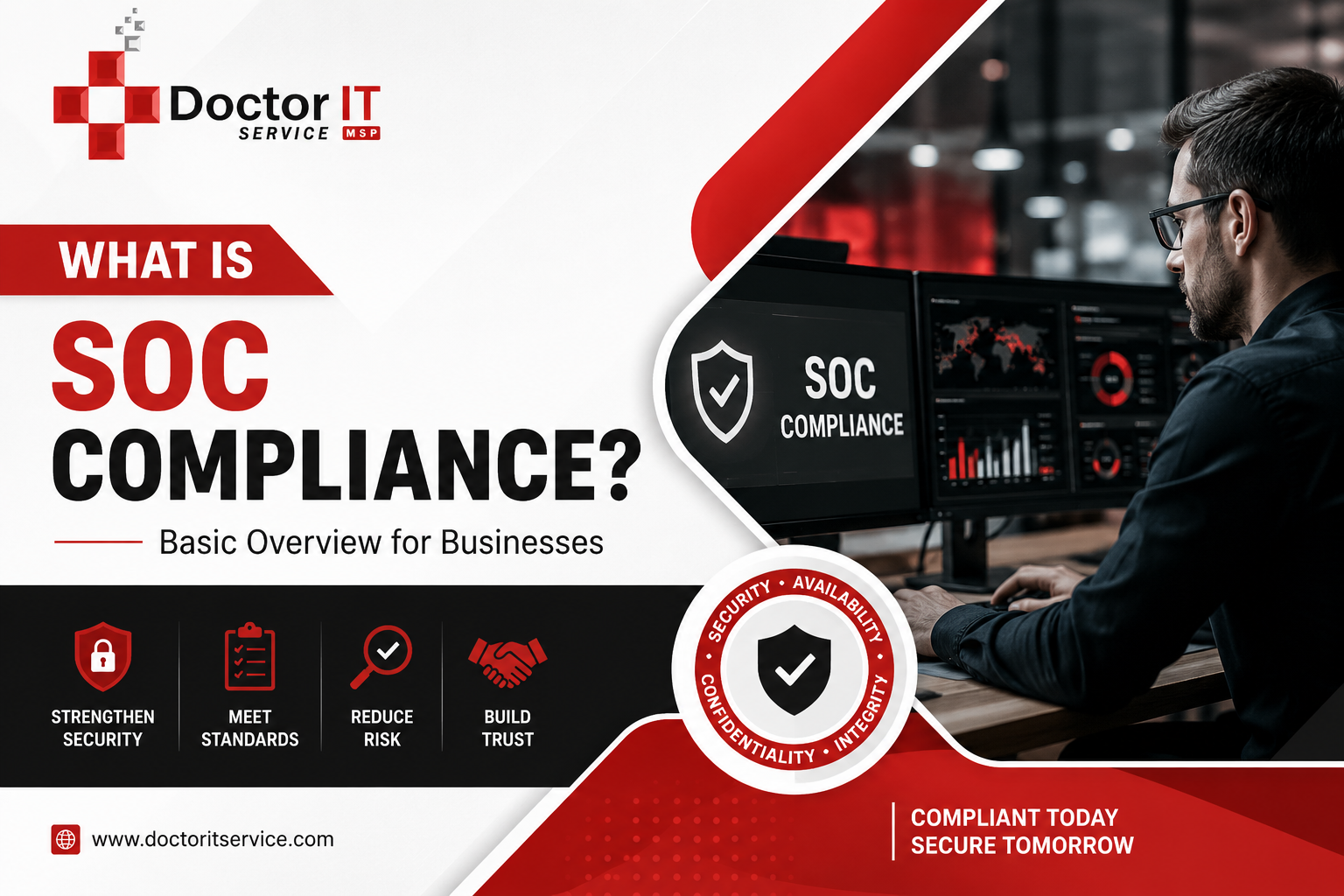
A client asks if you’re SOC compliant, and you kind of nod and say “working on it” because you’re not 100% sure what they’re actually asking for. Happens more than people admit. SOC gets thrown around like everyone already knows what it means, and most people just nod along too.
Here’s the plain version, no jargon.
SOC compliance proves your company handles customer data responsibly. It’s not a law. Nobody’s coming to fine you if you skip it. But if you’re trying to land bigger clients, especially enterprise ones, it’s often the first thing their procurement team checks before they’ll even take a sales call.
Let’s get into it.
SOC stands for System and Organization Controls. The AICPA built the framework, and an independent auditor comes in to check whether your data protection controls are real, not just written down somewhere and ignored.
It’s a bit like a credit check, except instead of a number, you get a formal written opinion you can hand a client as proof.
There are three report types. Picking the wrong one wastes months.
SOC 1 is about financial reporting controls. If you’re not touching client financial transactions, this one probably doesn’t apply to you.
SOC 2 is the one MSPs and IT companies actually need. It covers five areas: security, availability, processing integrity, confidentiality, and privacy. Worth knowing: a SOC 2 report is restricted. You can’t just post it on your website. Only your company and current clients get to see it.
SOC 3 is the public version of the same thing. Less detail, but you can actually share it in a sales deck or on your site without breaking the rules.
Type I is a snapshot. One day, one review, does the design of your controls check out. That’s it.
Type II is harder to get and worth more. It watches your controls operate over six to twelve months and checks whether they actually held up, not just on the day the auditor showed up. Most enterprise buyers won’t accept anything less than Type II these days. A Type I alone tends to raise more questions than it answers.
A CPA runs it. They go through your policies, your systems, and — this is the part people underestimate — whether your team actually does what the policy says on a random Tuesday, not just during the audit week.
Before that, most companies run a readiness check:
The clean one. Your controls were designed right and worked the whole review period. This is what you’re aiming for.
Mostly fine, a few exceptions noted. Not a disaster, but you’ll want to fix those before your next review.
A real problem. Your controls didn’t meet the bar, and it’ll likely cost you deals until it’s fixed.
The auditor couldn’t reach a conclusion at all, usually because the documentation wasn’t there to support one.
What tips the scale? Mostly:
Nobody’s forcing you. But here’s when it comes up in practice:
You end up with real, documented controls instead of tribal knowledge that lives in one person’s head. The process also surfaces problems you didn’t know you had — outdated access permissions, gaps in your incident response plan, that kind of thing. And it closes deals. A SOC report is hard proof, not a sales promise.
The downside is real too, though:
No software walks you through a SOC audit by itself. Auditors want proof of real, consistent, human-run processes, not a dashboard that looks nice in a demo.
That’s basically why MSPDepot exists.
It puts your remote monitoring, patch management, backup, ticketing, and security posture in one place. One dashboard instead of six logins, six vendors, and six different places evidence can go missing.
Here’s the part that actually matters, though, especially during audit prep: when something breaks, who picks up? With MSPDepot, it’s a real person on our support team — not a bot cycling through canned replies, not an “AI agent” pretending to understand your ticket. Someone who actually knows your environment and works the problem with you until it’s fixed.
That matters for SOC specifically. Auditors want centralized logs. They want controls you can explain in plain language, not vendor marketing speak. They want patching and backup records that are actually consistent. And when they ask a hard question, they want an answer — not a support ticket sitting unanswered for three days.
MSPDepot keeps that evidence organized, and puts a real team behind it.
SOC compliance is genuinely a lot of work. But it pays for itself — it builds trust, tightens your operations, and gets you into rooms that stay closed otherwise. Figure out which report fits, then build toward it.
If you want everything in one place and a team that actually answers the phone, use MSPDepot.
A set of AICPA standards proving your company has real, working controls to protect client data.
SOC 1 covers financial reporting. SOC 2 covers security and data handling. SOC 3 is the public-shareable version of SOC 2.
Type I checks controls at one point in time. Type II checks whether they held up over six to twelve months.
Usually 3 to 12 months, depending on the report type and how prepared you are going in.
Typically, $5,000 to $60,000, depending on scope and company size.
Not always, but if you handle sensitive data or want enterprise clients, it stops being optional pretty quickly.
Discover our most recent insights and updates from the world of IT
Governments pulled sites offline over two critical PHP flaws. Learn if you’re at risk and how to fix…
Read Article
Learn how to link your RMM and PSA ticketing systems step by step. Cut response times and keep…
Read Article
Comparing the leading Microsoft 365 backup tools for 2026. See features and best-fit use cases before picking one…
Read Article