
Critical PHP Flaws Force Sites Offline: What Business Owners Should Do Now
Governments pulled sites offline over two critical PHP flaws. Learn if you’re at risk and how to fix…
Read Article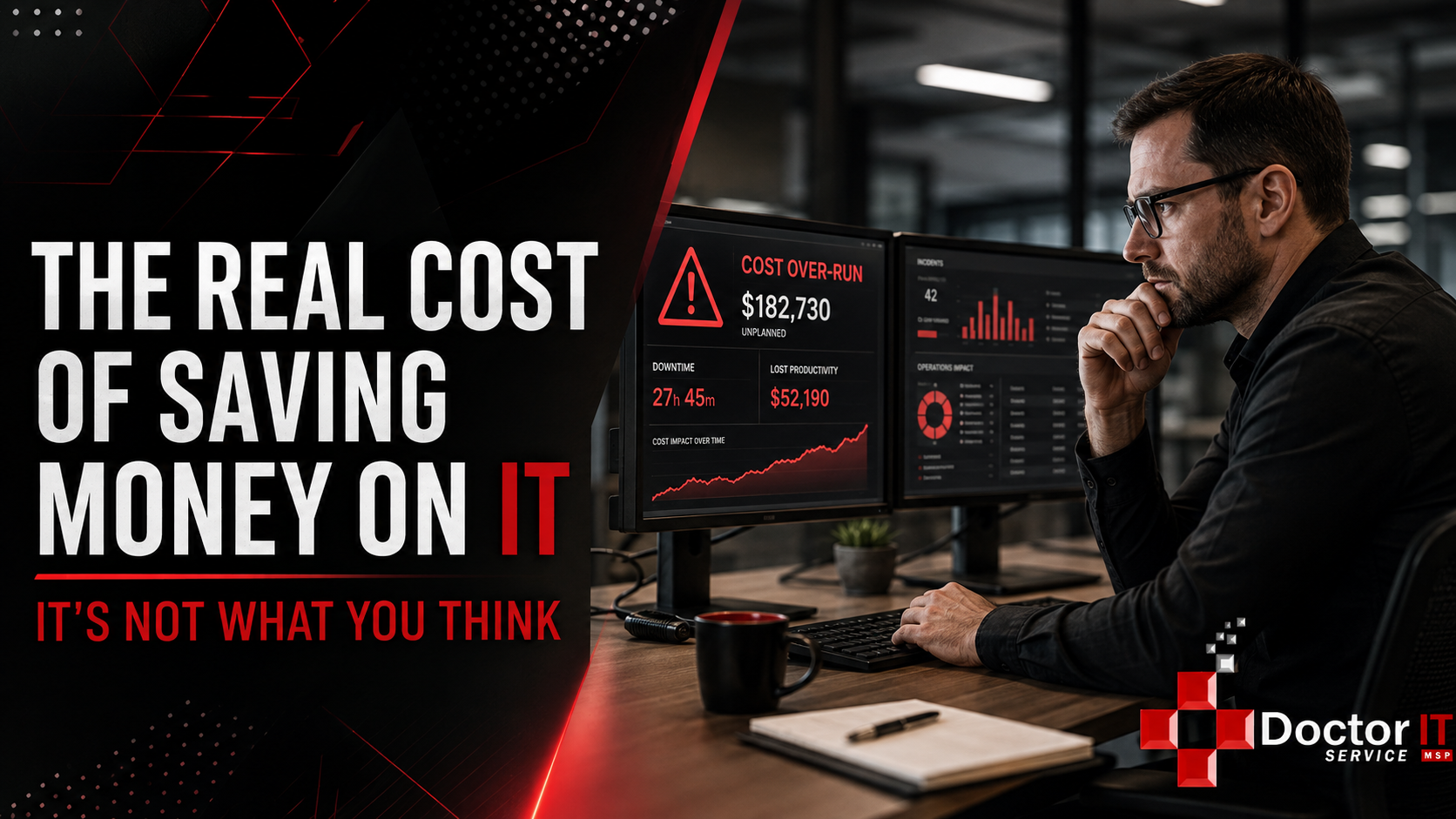
A client called us a while back, panicked, saying his main computer wouldn’t open anything. Every file locked. A note on screen demanding payment. Normal Wednesday morning turned into a nightmare in about ten minutes. This is basically how every ransomware story starts, and it’s why we bring this up constantly at Doctor IT Service, even when nobody wants to hear it.
Everyone fixates on the ransom number. Five grand, fifty grand, whatever it happens to be. But that number is honestly the smallest part of what you actually lose.
Sit with this for a second. Security researchers keep finding the same thing over and over. The ransom payment itself is usually around 15 percent of the total cost of an attack. Fifteen percent. Everything else, the other 85 percent, comes from what happens after.
What actually stops when your systems lock up? Nobody can look anything up. Orders freeze. Invoices don’t go out. Your staff sits there, still on the clock, unable to do their job, while money quietly leaks out the door. And this isn’t a one afternoon problem either. Recovery from a real ransomware hit tends to drag on close to three weeks based on industry numbers we’ve seen.
Three weeks. Take your average daily revenue and multiply it out. For a small business already running tight margins, that gets ugly fast.
We’ve seen this play out enough times that a pattern emerges, so let’s walk through something close to real.
Small company, maybe ten people, doing around a million a year. Owner walks in, main system’s locked. Inventory, sales history, customer info, gone. First day gets eaten up just figuring out what kind of ransomware this even is and how it got in. That alone burns hours. Then it’s rebuilding a computer from scratch, reinstalling everything, resetting accounts, trying to claw back to something resembling normal.
Meanwhile the business is basically stuck. No inventory checks. No quotes going out. Staff scrambling with paper and memory because the system everyone relied on for years is just sitting there, useless. Doesn’t matter if the ransom was five thousand or fifty. The real damage piles up somewhere else entirely, in the sales that didn’t happen and the hours nobody billed for.
A lot of owners assume paying just makes the whole thing go away. It doesn’t, and security folks have been saying this for years now.
No guarantee you even get your files back. Plenty of attackers just want money, or send a decryption key that works sometimes. Even when it does work, the process is slow and messy, and some files end up corrupted anyway. And here’s the part that catches people off guard: businesses that pay once are actually more likely to get hit again. Word gets around in these criminal circles about who’s willing to fold.
There’s also this. Paying doesn’t undo the fact your data might have already been copied out before it was even encrypted. Most ransomware crews steal first, encrypt second these days. So even a clean recovery from backups doesn’t erase the risk of that stolen data showing up somewhere you really don’t want it.
Past the obvious stuff, there’s a whole layer of cost most owners never see coming.
Reputation takes a hit. Clients who find out their information got compromised don’t always stick around, no matter how well you handled the cleanup afterward. Most surveys on this show a large chunk of customers will just walk if they hear about a breach.
Legal exposure is another one. If you’re in healthcare or handling anyone’s sensitive data, a breach can trigger reporting requirements, fines, sometimes lawsuits. For a law firm or medical office, this piece alone can dwarf everything else combined, especially if basic security wasn’t in place to begin with.
Then there’s the slow bleed nobody talks about. Staff working around a rebuilt system that’s clunkier than before. Tasks that used to take five minutes now taking twenty. People internally trusting the tech a little less than they used to. None of that shows up as a line item anywhere. It’s real anyway, and it sticks around.
This is really what it comes down to. A lot of small businesses treat proactive IT as something to trim wherever possible. Skip the managed security package. Push off replacing that old server another year. Skip testing backups because it seemed fine the last time anyone checked. All of it feels like savings, right up until it isn’t.
Estimates put the average ransomware cost to a small business starting around $120,000, and that’s the floor, not the ceiling. Now compare that to what real protection costs monthly. It’s not even close. Managed security, actual backup testing, staff training so someone doesn’t click the wrong link — all of that adds up to a fraction of what one bad incident costs.
The businesses that get hit hardest tend to be the ones quietly cutting corners beforehand. Skipping a security audit here. Running old software because upgrading felt like a hassle. Never testing backups because things seemed okay last time. Each choice looks small and reasonable on its own. Stack them together and you’ve basically built the exact conditions ransomware loves.
Let’s put real numbers next to each other instead of just talking in general terms.
At Doctor IT Service, our managed IT plans start at $49 per computer per month. Say you’re a small office running twenty computers. That’s under a thousand dollars a month, right around $11,760 a year, for monitoring, patching, and support that catches problems before they turn into a full blown incident. Compare that to the $120,000 floor on what a single ransomware attack costs a small business, and you’re not even in the same ballpark. One bad Wednesday morning costs more than ten years of proactive coverage at that rate.
And that $120,000 number doesn’t even count the stuff that’s hard to put a dollar figure on. Lost clients who don’t come back. Weeks where your team is basically running on paper. The owner who’s not sleeping while trying to figure out if the business survives this. Twenty computers at $49 a month starts looking less like an expense and more like the cheapest insurance policy a small business can buy.
None of this is complicated in theory — it just takes actual discipline to keep up with.
This is genuinely most of what we do at Doctor IT Service with our clients, especially law firms and medical offices where the stakes go well past mere inconvenience. It’s not about upselling services nobody needs. It’s about making sure a modest monthly investment in real protection never turns into a six figure recovery bill, on top of weeks of lost work and clients starting to wonder if they should go somewhere else.
Ransomware doesn’t just cost the ransom — it’s downtime for weeks, lost revenue, damaged trust, and depending on your industry, real legal exposure stacked on top. The businesses that come through an attack relatively okay are almost always the ones who’d already invested in prevention long before anything happened. The ones who get wrecked are usually the ones who figured skipping that investment was the smarter financial move.
If you’re weighing whether proactive IT support is worth what it costs monthly, this is the actual comparison. Not what you’re paying right now, but what you will pay after everything locks up and nobody in your office can get a single thing done. At $49 a computer, that math isn’t close.
This is a bit true. Research keeps landing around 15 percent for the ransom itself. The rest comes from downtime, lost revenue, recovery work, and often legal or reputational fallout on top.
Security experts generally say no. There’s no guarantee attackers hand over a working key, and files can still end up corrupted during recovery.
It varies, but industry data points to somewhere around three weeks on average, with a good chunk of businesses reporting it took over a month to feel things were better again.
Only if they’re actually tested. Untested backups have a way of failing exactly when you need them most — that is why regular testing is important to validate all backups.
Yes. A lot of modern attacks steal data before locking it up. Even a full recovery from backups doesn’t undo the fact that stolen information might already be out there somewhere.
Both handle sensitive client or patient data, which means a breach can trigger legal reporting obligations and regulatory scrutiny on top of the usual business disruption everyone deals with.
At Doctor IT Service, managed IT plans start at $49 per computer per month. For a twenty computer office, that’s under $12,000 a year, compared to a $120,000 floor on what a single ransomware attack typically costs a small business. Prevention is not close to the same price bracket as recovery.
Discover our most recent insights and updates from the world of IT
Governments pulled sites offline over two critical PHP flaws. Learn if you’re at risk and how to fix…
Read Article
Learn how to link your RMM and PSA ticketing systems step by step. Cut response times and keep…
Read Article
Comparing the leading Microsoft 365 backup tools for 2026. See features and best-fit use cases before picking one…
Read Article