
Is ChatGPT Down Today? What We Know So Far (September 3, 2026)
Thursday morning turned into a rough one for ChatGPT users. Reports of the chatbot freezing up, refusing to…
Read Article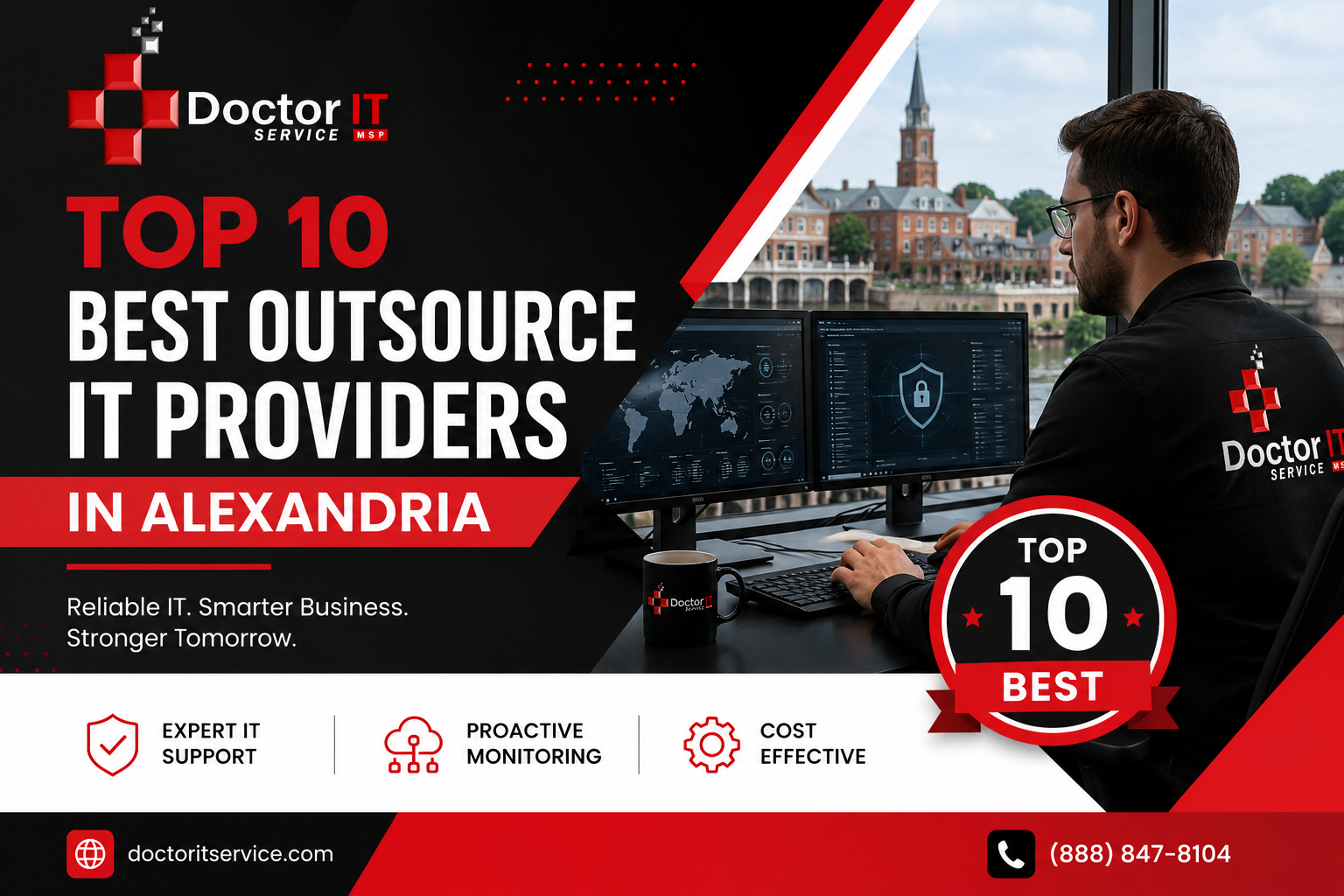
Picking an IT partner isn’t simple. One company might respond fast but skip security. Another might be great at security but slow on tickets.
So how do you choose?
Below is a rundown of Alexandria IT service providers worth knowing about. Some lean into cybersecurity. Others are built around help desk speed. A couple try to do it all.
Read through it, compare the options, and pick what fits your business.
Building an in-house IT team isn’t cheap. Salaries, training, tools — it adds up fast.
That’s the main reason so many businesses decide to outsource their IT department instead. You get a whole team’s worth of knowledge without the overhead of hiring one.
There’s also a speed factor. Outsourced teams often catch problems before they turn into real headaches. Your staff gets back to doing their actual jobs instead of fighting with a printer.
Every IT company will say they’re the best. That’s not helpful on its own.
Here’s what to actually look at:
Keep this list handy while you read through the providers below.
They run full IT management services for small and mid-size companies. Nothing feels bolted together. It’s one team handling everything from servers to security.
Their support style is proactive. That means they catch issues early, often before a client even notices something’s wrong. Downtime stays rare.
They also manage IT infrastructure management for networks, cloud setups, and daily operations. One point of contact. No passing you around.
Tickets get resolved quickly, usually the same day. If you want strong business IT support in Alexandria without the runaround, this is the one to call first.
Matrix keeps things practical. They work with small businesses across a mix of industries, and their approach stays pretty hands on.
Daily IT troubleshooting is their bread and butter. Basic network support too, nothing flashy.
They offer both remote IT support and onsite visits, so urgent issues get handled properly instead of waiting in a queue.
Pricing is simple here. No confusing tiers or hidden add-ons, which smaller teams tend to appreciate.
Plavno blends software work with IT support. A lot of their clients come to them for custom builds first, then stick around for ongoing help.
They also cover general computer support — things like updates, repairs, and setup work.
If a business needs both software development and everyday tech help, Plavno tends to fit well. Communication is clear, which cuts down on mid-project confusion.
Ntiva stands out for co-managed IT services. This works best for companies that already have an internal IT person or team but need backup.
Instead of replacing your staff, they support them. That’s useful during big rollouts or when ticket volume spikes.
Their IT security tools are solid too, especially around incident response, which limits how much damage a breach can do.
Bigger businesses tend to gravitate toward Ntiva since their systems scale well as a company grows.
Miles IT builds custom systems around how a business actually works, rather than forcing a one-size-fits-all setup.
Network support is another strength here — wireless setup, firewalls, that kind of thing.
If your business needs something built from the ground up, Miles IT is worth a conversation. Their process stays transparent from the first call to the final handoff.
Teal keeps its IT management services modern and simple. The tools they use are easy enough for non-technical staff to actually use.
Remote IT support is strong here. Most problems get solved without anyone stepping foot in your office.
They also handle lighter IT infrastructure management tasks — cloud storage, software updates, that sort of thing.
Younger or more tech-comfortable teams tend to like Teal’s style. It feels quick and low friction.
ELEKS is built for bigger contracts and longer-term projects. This isn’t really a fit for a five-person office.
Their cybersecurity services go deep, with serious threat detection capability built in.
They also handle harder compliance work, including ITAR compliance and DFARS compliance for companies in regulated industries.
If your systems are complex or heavily regulated, ELEKS is worth a look.
Azumo pairs software development with IT support, which works well for businesses building their own apps or tools.
System integration is another focus, making sure new tech actually plays nice with older systems already in place.
This one fits companies looking to grow their tech, not just patch what’s already there.
CodeBright mixes help desk support with smaller IT projects. Response times are quick, which matters a lot to newer businesses.
Startups and small offices tend to be their sweet spot. Setup is usually fast without a lot of back and forth.
They keep things fairly basic though, so if your business needs heavy security coverage, this might not be enough on its own.
Design Zilla LLC is mainly known for web design, with some light IT support added on for small businesses.
That includes basic troubleshooting and general computer support.
If you need a website built and also want someone to handle small tech issues, this combo can work well. Just don’t expect deep IT infrastructure work here.
| Provider | Best For | Support Type |
|---|---|---|
| Doctor IT Services | Full IT management and security | Remote and onsite |
| Matrix | Daily small business support | Remote and onsite |
| Plavno | Software plus IT combined | Remote |
| Ntiva | Co-managed IT teams | Remote and onsite |
| Miles IT | Custom built IT systems | Onsite |
| Teal | Simple modern IT tools | Remote |
| ELEKS | Large scale, regulated projects | Remote and onsite |
| Azumo | Software with IT backing | Remote |
| CodeBright | Startups and small teams | Remote |
| Design Zilla LLC | Web design with light IT help | Remote |
Use this as a quick starting point, then dig deeper into whichever ones catch your eye.
🎯 Start with your biggest pain point. Is it slow response times? Security worries? Compliance headaches? Match that pain point to a provider’s strength. Don’t just pick the biggest name on the list.
💬 Ask direct questions. A provider that answers clearly is usually a safer bet than one that talks around things.
⭐ Don’t skip reviews. Real feedback from real clients tells you more than any sales pitch will.
Asking these upfront saves a lot of frustration down the road.
Alexandria has no shortage of solid IT companies. Each one brings something a little different to the table.
They combine strong security, fast support, and full-service management better than most. All providers here have their place. The right choice really comes down to your business size, budget, and what problems you’re trying to solve.
Take your time comparing. A good IT partner pays for itself many times over.
It means hiring an outside company to run your tech instead of building an in-house team. They handle support, security, and daily maintenance.
An MSP handles most or all of your IT needs. That includes network support, security, and help desk support.
This means one provider handles everything. You don’t need any internal IT staff at all.
Here, the provider works alongside your own IT staff. They help with overflow, bigger projects, or specialized skills your team doesn’t have.
Because it catches small problems before they become expensive ones. Less downtime, fewer emergencies.
Servers, networks, and cloud systems mostly. It’s the backbone that keeps daily work running.
Write down your needs first. Then compare pricing, support style, and how fast they typically respond.
Look at response times, service lists, and reviews from real clients. Ask about security and compliance too.
Usually threat detection, ransomware protection, and monitoring to catch attacks early.
It’s the process used right after a security breach. The goal is to limit damage and get systems back up fast.
It’s a rule protecting health-related data. IT providers help businesses meet these requirements properly.
A security standard mainly used by companies working with defense-related contracts.
Remote support fixes things over the internet. Onsite means a technician physically comes to your office.
Most issues should be handled within a few hours. Anything critical needs a faster response, ideally same day.
Local providers understand nearby business conditions better and can send someone onsite quickly when remote fixes aren’t enough.
Discover our most recent insights and updates from the world of IT
Thursday morning turned into a rough one for ChatGPT users. Reports of the chatbot freezing up, refusing to…
Read Article
Every office runs on connections. Computers, printers, phones, cameras — they all need a way to talk. That…
Read Article
Ask any IT manager what wrecks their afternoon, and "tickets" comes up almost every time. Requests land from…
Read Article