
Is ChatGPT Down Today? What We Know So Far (September 3, 2026)
Thursday morning turned into a rough one for ChatGPT users. Reports of the chatbot freezing up, refusing to…
Read Article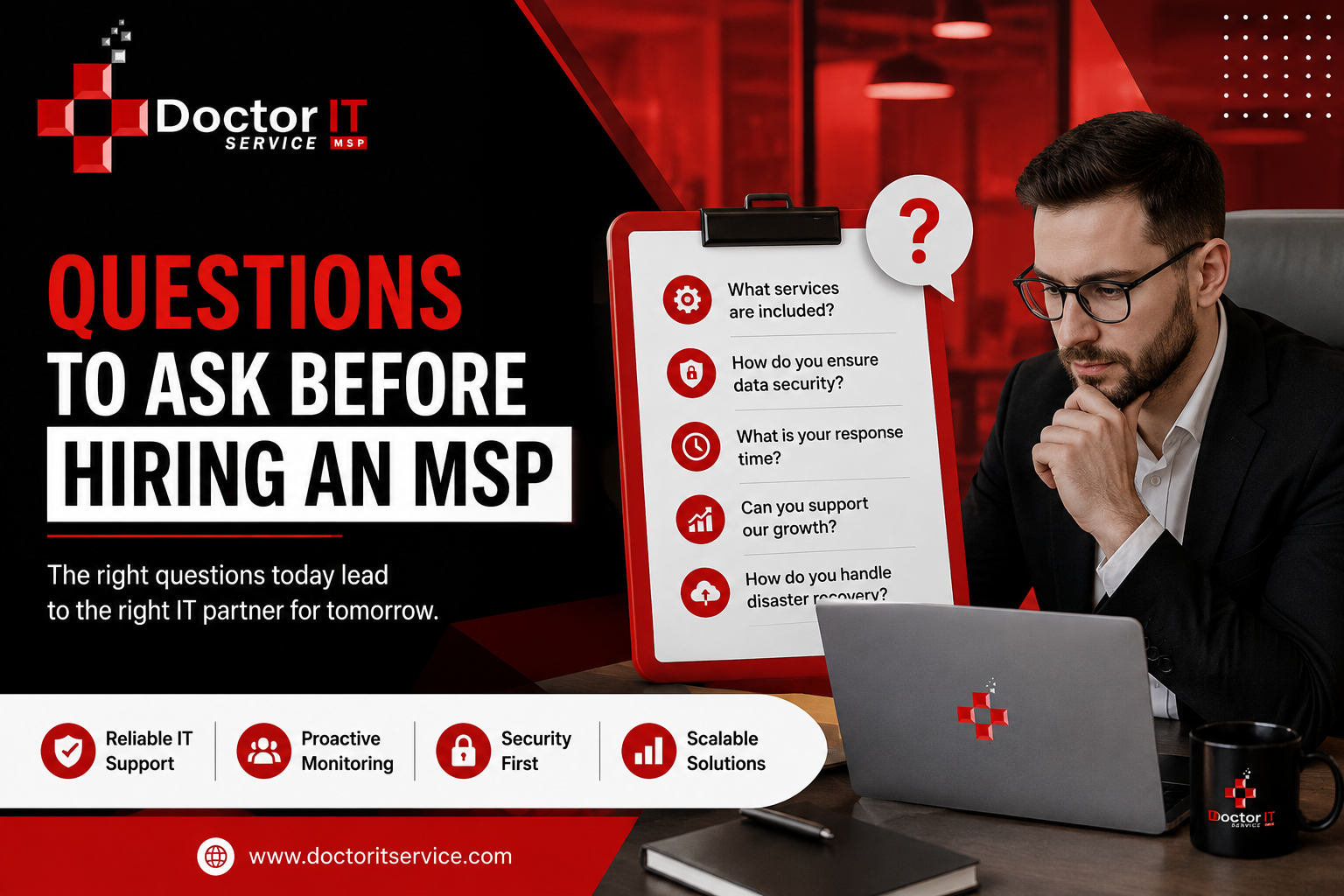
Nobody plans to hire the wrong IT company. It just happens.
Smooth sales call. Contract sounds fine. Then three months in, something breaks and nobody picks up for two days straight.
Sound familiar? It happens constantly, honestly, more than most owners admit out loud.
Here are important questions. A few are obvious. A few get skipped way too often, and those are usually the ones that trigger people later.
Get specifics. Don’t take a vague answer here. Some MSPs just do help desk stuff — password resets, basic fixes. Others run your whole network, cloud, and security. That’s a massive gap. Know which one you’re getting into.
This gets overlooked constantly. A provider who’s worked with medical practices already knows HIPAA cold. One who’s done law firms gets confidentiality without a lecture. Saves everyone time. And a few headaches.
Ask for two or three. Actually, call them, don’t just skim a testimonials page. Skip “are you happy.” Ask what went wrong once, and how it got fixed. That’s the real answer you’re after.
Push for an actual number. Hedging here is a bad sign. Ask separately about routine tickets and true emergencies — usually a big gap between them. Get MSP response time expectations written into the contract itself. Verbal promises evaporate fast.
Contracts fall apart here more than anywhere else, in my experience. Solid MSP service-level agreement questions cover uptime targets, response windows, and what happens when targets get missed. If that last part’s vague, walk carefully.
“We take it seriously” isn’t an answer. Push past that line. Ask about actual MSP cybersecurity capabilities. Round-the-clock monitoring? Phishing tests for staff? Patching on a schedule, or only after something breaks?
Ask about MSP data backup procedures in detail. How often do backups run? Onsite, offsite, both? And the real question — when did they last test an actual restore, not just confirm the backup ran?
Not if. When. It happens to somebody eventually, might as well be prepared. Real MSP disaster recovery planning includes timeframes, and gets tested regularly. Not written once and forgotten in a shared drive somewhere. Ask when they last ran a drill.
Plenty claim it. Fewer actually deliver. Ask what MSP support availability looks like at 3 am on a Sunday. A live technician, or a voicemail returned Monday? Big difference. Worth nailing down early.
A dead server and a slow printer aren’t the same emergency. Shouldn’t be treated the same, either. Ask if urgent issues get a dedicated team, or just sit in the general queue. Their answer tells you how they’re actually structured underneath.
Pricing varies more than most people expect going in. Flat rate, per-user, per-device — each has trade-offs. Find out which applies, and what pushes costs up mid-contract.
Just ask. Straight up. A good provider won’t flinch at this. Setup fees, onboarding costs, early termination penalties — these show up more than you’d hope. Clear answers here are a good sign.
Even good MSPs have bad weeks. It happens. Service credits? Partial refund? Nothing at all? Get the answer in writing, not just a reassurance over the phone.
Needs change. Contracts should allow for that, not fight it. Ask about notice periods and exit fees before signing anything. A provider confident in their own work usually doesn’t make this painful.
One phone call isn’t enough. This takes a bit of digging around.
Price matters. Watch how they communicate during the sales process — that’s usually a preview of later. Notice if answers feel proactive or just reactive. Push on security and see how confidently they respond. The good ones end up feeling less like a vendor. More like a team that’s already yours.
Choosing an MSP isn’t small. It touches uptime, data, security — most of what quietly keeps a business running day to day.
Ask them directly. Watch how each provider answers, not just the words, the tone too. If you need this kind of service, or just want to talk it through with someone who knows the space, reach out to Doctor IT Services.
Start with services, pricing, and security. Then response times, support hours, contract terms.
Check their track record. Talk to current clients. Compare against what you actually need.
Clear communication. Proactive support. Solid security and relevant industry experience.
Get proposals from at least three. Line up pricing, services, and support terms side by side.
Response commitments, uptime guarantees, clear terms for missed targets.
Critical issues, minutes. Routine ones, a few hours. Get exact numbers, not vague promises.
Regular backups. Encryption. Continuous monitoring. Strict access controls too.
Firewalls, threat detection, ongoing monitoring at minimum. Often security training for staff as well.
Many claim it. Confirm what that actually means before signing.
Depends on the provider. Flat rate, per-user, per-device are all common.
Sometimes. Setup costs and cancellation fees can hide in fine print.
Good contracts spell out credits or penalties. Read that section closely before signing.
Scheduled backups, tested periodically. Ask when a real restore was last tested.
Usually, with notice. Some include an early termination fee — check the terms.
Helps a lot. Usually means fewer surprises, smoother compliance handling.
Discover our most recent insights and updates from the world of IT
Thursday morning turned into a rough one for ChatGPT users. Reports of the chatbot freezing up, refusing to…
Read Article
Every office runs on connections. Computers, printers, phones, cameras — they all need a way to talk. That…
Read Article
Ask any IT manager what wrecks their afternoon, and "tickets" comes up almost every time. Requests land from…
Read Article