
Top 10 Best Outsourced IT Service Providers in Charlottesville
We've talked to a lot of small business owners in Charlottesville. Most of them have the same IT…
Read Article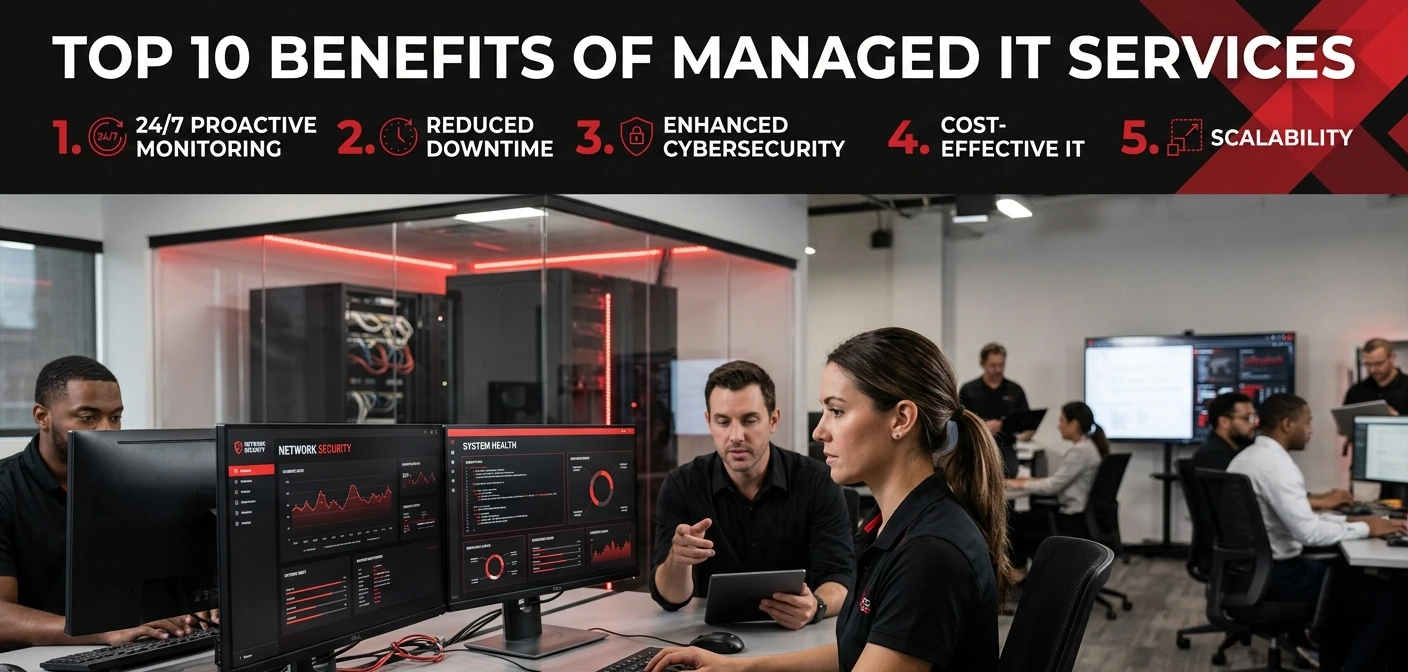
Nobody starts a business because they love dealing with IT problems.
You started yours because you are good at something. Because you had an idea, or spotted a gap, or simply wanted to build something on your own terms. IT was never supposed to be part of the job description.
And yet here we are.
Printers that stop working for no reason. Internet that drops mid-video call. A staff member who clicked something suspicious and now nobody knows if the whole network is compromised. A backup system that, turns out, has not actually been working for three months.
Sound familiar? Yeah. It does for most people running a business.
The reason we want to talk about managed IT services today is not because it is some complicated tech concept worth dissecting. It is actually quite simple. And once you understand what you are actually getting, the decision tends to make itself.

A managed service provider, or MSP, is basically a company you hire to look after all your IT. Not just to fix things when they break. To watch over everything, maintain it, secure it, and sort problems out before they turn into disasters. They do this for a fixed monthly fee, which means no surprise invoices and no panic-calling someone at midnight hoping they pick up.
You get a whole team. Security people. Network people. Cloud people. Helpdesk staff. All of them working in the background, keeping your systems running, while you get on with running your business.
That is genuinely what it is. Now here is why it matters.
The thing that surprises most business owners, when they actually sit down and look at the numbers, is how much their current IT setup is costing them without them realizing.
It is not just salaries. Or software licences. It is the three hours last Tuesday when nobody could access the shared drive. It is the afternoon your email went down during a client pitch. It is the callout fee from that IT contractor who showed up, poked around for an hour, charged you for two, and left the problem half-solved.
When a small business hires an IT person, what they usually end up with is a generalist who is expected to be an expert in absolutely everything. Networking. Security. Cloud systems. Hardware. Software support. Compliance. User training. All of it.
That is not a realistic expectation to put on one human being. But it happens constantly, and the result is that things get missed. Not because the person is bad at their job, they are probably working incredibly hard, but because nobody can be deeply skilled in that many areas at once.
An MSP gives you access to actual specialists. The security person who thinks about threats all day every day. The cloud engineer who has migrated hundreds of businesses. The helpdesk team who have seen every weird tech problem imaginable. All of that expertise, available to your business, without you having to employ any of them directly.
There is still a very common belief that cyber-attacks are a big-company problem. That hackers are sitting in dark rooms targeting multinational corporations, not a 20-person accountancy firm in Manchester or a family-run logistics business in Birmingham.
This is wrong. And unfortunately, it has cost a lot of smaller businesses very dearly.
Small businesses get targeted precisely because they tend to be easier. Weaker passwords. Software that has not been patched in months. Staff who have never been trained to spot a phishing email. No one monitoring the network after 5pm. Hackers know this. They count on it.
One of the things businesses tell me after switching to managed IT is how often their new provider finds issues that had been quietly sitting there for months.
A drive that was nearly full and would have crashed within weeks. A backup process that had been silently failing. Software running on an operating system that stopped receiving security updates two years ago. An account that showed login attempts from three different countries overnight.
None of these things had caused visible problems yet. All of them were ticking. Proactive monitoring catches them before they go off.
People treat downtime like it is just an annoyance. A bit of inconvenience. Things will be back up in an hour, no big deal.
It is a big deal.
When the systems go down, nobody is working. Sales are not happening. Customers are calling and getting nothing. If you are in a deadline-driven business, every hour offline is an hour you are not getting back. And the knock-on effects, the overtime, the client complaints, the rushed work to catch up, those do not show up neatly on any single invoice. They just quietly eat into your margins and your reputation.
The numbers around downtime costs, when businesses actually sit down and calculate them properly, are usually worse than expected. Managed IT does not make your systems invincible. But proactive maintenance and constant monitoring means problems are caught faster, fixed faster, and, most importantly, happen a lot less often in the first place.
There is a specific kind of stress that comes with business growth when your IT cannot keep up.
You take on ten new staff. Each of them needs a device set up, an account created, access permissions configured correctly, email working, software installed. In an unmanaged setup, this falls on whoever happens to be available, and it takes forever, and something always gets missed, and the new person sits there for three days waiting to be productive.
Or you open a new office. Or you migrate to a new system. Or you acquire another company and need to merge two entirely different IT environments.
Managed IT providers do this constantly. It is routine for them. They have processes. They know what to check. They get it done properly. You scale up, and the technology scales with you without becoming a crisis.
Every tech problem your staff encounters is a productivity drain. Small ones, big ones, they all eat time.
And most of those problems do not need to involve you or your management team at all. They just need someone to respond to them quickly and fix them. A good MSP helpdesk does exactly that. Staff log a ticket or pick up the phone, and someone helps them. They get back to work. The problem is gone.
What you stop doing, once this is in place, is being the de facto IT support person for your own company. Which, if you have ever been in that position, you already know is not a good use of your time.
If your business handles personal data, client information, employee records, payment details, you have legal obligations around how that data is stored, accessed, and protected. GDPR is the obvious one, but depending on your industry there are others. HIPAA if you are in healthcare. PCI-DSS if you are handling card payments. Others besides.
These are not suggestions. Getting them wrong means fines, and in some cases, worse.
Hardware failures happen. Ransomware, where hackers encrypt all your files and demand payment to unlock them, is still widespread and still devastating businesses. Human error happens constantly; someone deletes a folder, assumes it was backed up, and it was not.
The question is not really whether something will go wrong with your data at some point. The question is whether you will be able to recover from it when it does.
Managed IT includes proper backup and disaster recovery. Your data is copied regularly, stored securely offsite or in the cloud, and, critically, actually tested so you know the recovery process works. When something goes wrong, you restore and carry on. Without it, you are starting from scratch.
There is a particular kind of slow rot that happens to IT setups when nobody is actively managing them.
It does not happen dramatically. It is just that the updates keep getting postponed because there is never a good time. The hardware refresh gets pushed back because the budget is tight. The software licence runs on an old version because upgrading seems complicated and things are mostly working. Mostly.
And then one day something breaks, or a security researcher publishes a vulnerability that affects your outdated system, or a new tool your business needs simply will not integrate with your ageing infrastructure, and suddenly the cost of having deferred all of this lands at once.
Your MSP stops this from happening. Keeping your stack current, secure, and functional is part of what they are paid to do. It just quietly gets handled.
Genuinely? Most businesses with fewer than 200 staff and no dedicated IT department running properly.
That is a wide bracket. A GP surgery. A solicitors firm. A warehousing company. A recruitment agency. An independent school. A restaurant group. These are all very different businesses and they all deal with the same underlying IT problem, the technology that keeps them running is not being looked after the way it needs to be.
The ones who tend to benefit most are businesses currently getting by on goodwill and improvisation. Someone who is “good with computers” covering things nobody officially asked them to cover. An IT contractor on speed dial who charges a fortune every time something breaks. One person expected to do the job of a whole department. That setup has a shelf life.
Response times. Pin them down specifically. Not “we respond quickly” — what does the SLA actually say, in writing, for a critical system failure versus a non-urgent request?
Scope. What is genuinely included and what gets billed separately. Some providers make this clear. Others bury the extras.
Relevant experience. A provider who has worked with businesses in your sector will know your compliance landscape, your typical risk profile, your common tools. That matters more than a slick sales deck.
Real reviews. Not the ones on their own website. Google, Trustpilot, word of mouth from someone you actually know. Those tend to be more honest.
Look, managed IT is not going to solve every problem your business has. Nothing does that.
But if your systems are held together with hope, one overworked person, and the occasional panicked Google search, it is probably time to change something. The businesses we have seen make the switch almost universally say the same thing afterwards.
They wish they had done it earlier. Not because it was transformative or dramatic. Just because things started working properly and quietly in the background, the way they always should have.
If the cost has been putting you off, take a proper look at Doctor IT Services before you rule it out. They have built their whole offering around businesses that cannot and should not have to pay what the big providers charge. Genuinely affordable, not as a marketing line but in actual practice, their prices sit noticeably lower than most of their competitors for comparable service.
Short answer, no. The MSP handles the maintenance and day-to-day management side of things, but your data is yours and your business decisions stay yours. Most of the time you will barely notice they are there. Which is exactly the point. You only hear from them when something actually needs your attention.
Then they will probably thank you for it. A lot of businesses use what is called a co-managed setup, your internal person handles the face-to-face stuff and internal requests, while the MSP covers security monitoring, infrastructure management, backups, and anything specialist. The in-house person gets breathing room. Things get done better. It tends to work well.
Quicker than most people expect. Basic monitoring can often go live in a day or two. The full onboarding, where they map out your whole environment, document everything, and really get under the bonnet of your setup, is usually a few weeks. Do not rush that part. It is where a lot of the long-term value comes from.
Any decent provider has this covered. IT problems have no respect for working hours and neither should your support. Before signing up with anyone, ask them specifically what out-of-hours looks like, not just “yes we cover it” but actual response times, actual contact channels, actual escalation paths. Vague reassurances are not the same as a proper commitment.
Yes, and any reputable MSP will make that straightforward. Your data and documentation should be handed over cleanly, with reasonable notice. If a provider is evasive about this during the sales conversation, that tells you something worth knowing before you sign anything.
Depends entirely on the provider. Some charge rates that only make sense for large enterprises. Others, Doctor IT Services being a good example, have deliberately built affordable packages for smaller businesses that need proper IT support without the inflated price tags. Worth getting a quote and comparing rather than assuming it is out of reach.
Discover our most recent insights and updates from the world of IT
We've talked to a lot of small business owners in Charlottesville. Most of them have the same IT…
Read Article
Thursday morning turned into a rough one for ChatGPT users. Reports of the chatbot freezing up, refusing to…
Read Article
Every office runs on connections. Computers, printers, phones, cameras — they all need a way to talk. That…
Read Article